
Tired of managing two different music systems — one on your PC and another on your phone?
YOUR PERSONAL MUSIC, CONNECTED
2Tier Music
Your Music.
Your Devices.
Your Library.
Meet 2Tier Music Desktop for Windows. Manage your collection on your PC. Take the music you choose to Android.
$9.99 One-Time Purchase14-Day Full-Feature Trial
No subscription required for 2Tier Music Desktop.
Coming soon · Downloads and purchasing are not available yet.
THE DESKTOP IS YOUR STARTING POINT
Windows Local Wi-Fi Android
SOUND FAMILIAR?
Tired of ads and monthly streaming fees just to listen to music, including music you already own?
Already have your own MP3 collection?
Then 2Tier Music is for you.
Manage your personal music library from your Windows PC and transfer music and playlists to your Android device over your local network.
01 / WINDOWS DESKTOP
Your collection.
Your control.
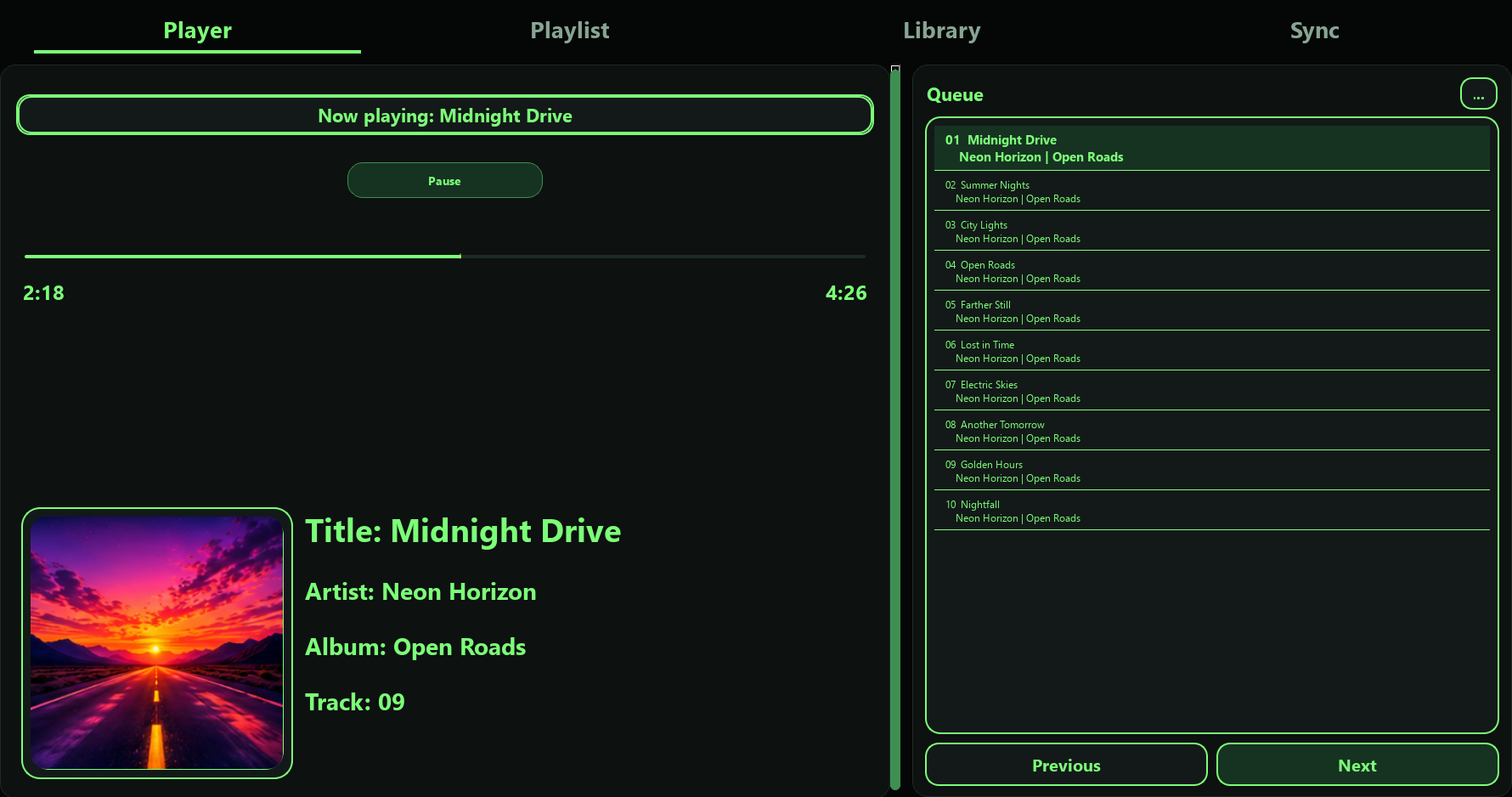
2Tier Music Desktop for Windows is the main application. It manages your library, plays your music and controls what is sent to Android.
See how it worksA home for your music
Manage your personal music library and play music directly on Windows.
Playlists, organized
Organize playlists on your PC and choose the music you want on your phone.
You choose what transfers
Send selected supported music and playlists from Desktop to Android over your local network.
Built around your devices
Local-first design. No cloud music hosting. No streaming subscription required for 2Tier Music itself.
A SIMPLE CONNECTION
From your PC.
To your next listen.
One direction. Your choice.
Desktop sends music to Android—not the other way around.
MANAGE
Windows PC
Your library & playlists
TRANSFER
Local Wi-Fi Network
Your devices, connected
LISTEN
Android Companion
Your music goes with you
- 01Manage your music and playlists on Windows.
- 02Choose what you want on Android.
- 03Transfer over your local network.
- 04Play transferred music independently on Android afterward.
Android does not automatically add music back to Desktop.
02 / ANDROID COMPANION FREE
2Tier Music Companion
for Android
Your collection, ready to go.
Requires 2Tier Music Desktop for Windows.
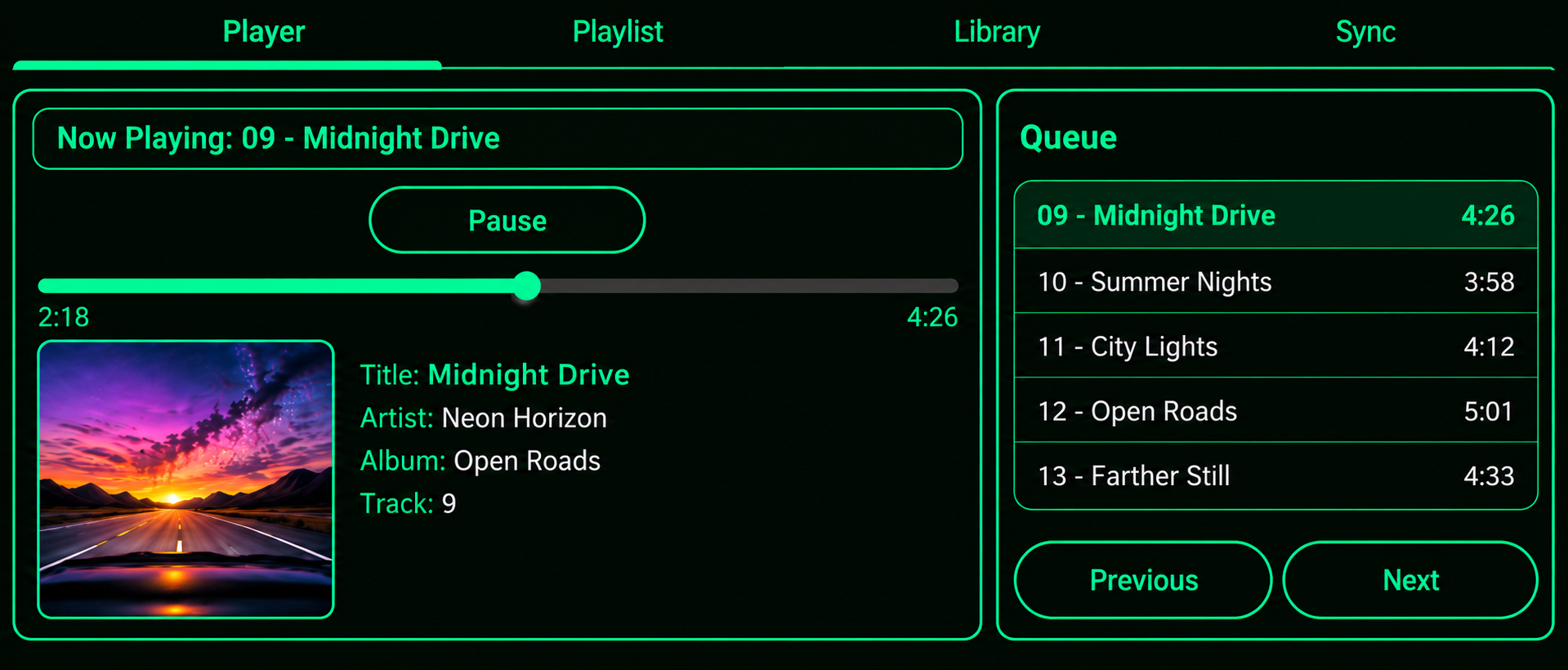
Transfer at home. Listen wherever you go.
- The Android Companion is free.
- Transfer music and playlists from Windows over local Wi-Fi.
- Music remains available on Android after transfer.
- Android playback does not require the PC to remain connected.
- No cloud music hosting. No streaming service.
Google PlayQR CodeComing Soon
Google Play information will be added here.
LOCAL-FIRST BY DESIGN
Your music stays
on your devices.
2Tier Music does not upload or host your personal music collection in its own cloud service. Transfers from Desktop to Android happen over your local network.
It’s your personal music library—not a streaming music provider.
Read our Privacy NoticeSIMPLE PRICING
One purchase.
Your everyday player.
Try the full core experience for 14 days. No payment card required. No automatic conversion to a paid license.
No subscription required for 2Tier Music Desktop.
2Tier Music Desktop for Windows
$9.99
One-Time Purchase
14-Day Full-Feature Trial
- Full core functionality for 14 days
- No payment card required for trial
- No automatic conversion to paid
- One active Windows machine per license
- Free Android Companion
Coming soon · Downloads and purchasing are not available yet.
WE’RE HERE TO HELP
Let’s talk music.
Questions about 2Tier Music?
Get in touch with the right team.